Atari Disk Engine Pro
A downloadable tool for Linux
Atari Disk Engine Pro
The forensic disk toolkit the Atari ST deserved in 1989.
Atari Disk Engine Pro is the complete toolkit for opening, editing, analyzing, and forensically recovering Atari ST disk images. Read, write, inject, extract, repair, and visualise — everything you need for serious disk preservation work in a single application.
Full Feature List
Read & Browse
- Open any .ST (raw) and .MSA (compressed) disk image — from 360 KB single-sided floppies to 16 MB Gotek images
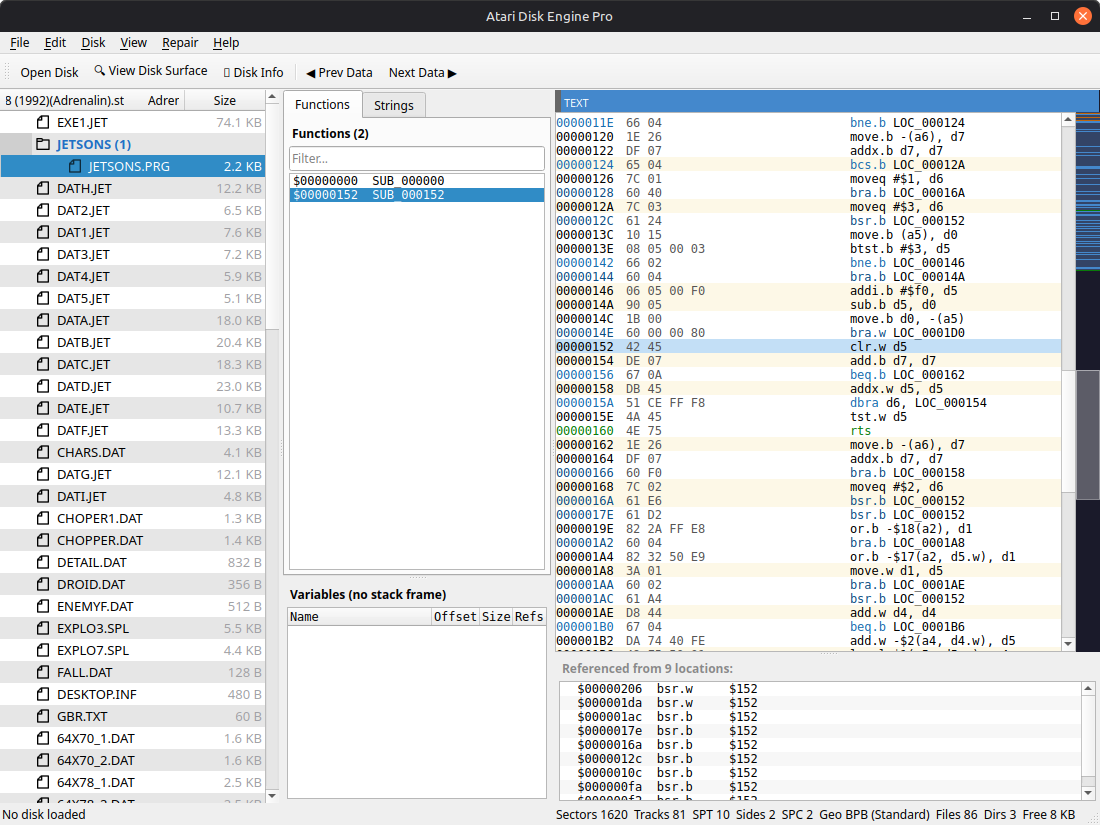
- Full directory tree with file sizes, directory file counts, and expandable hierarchy
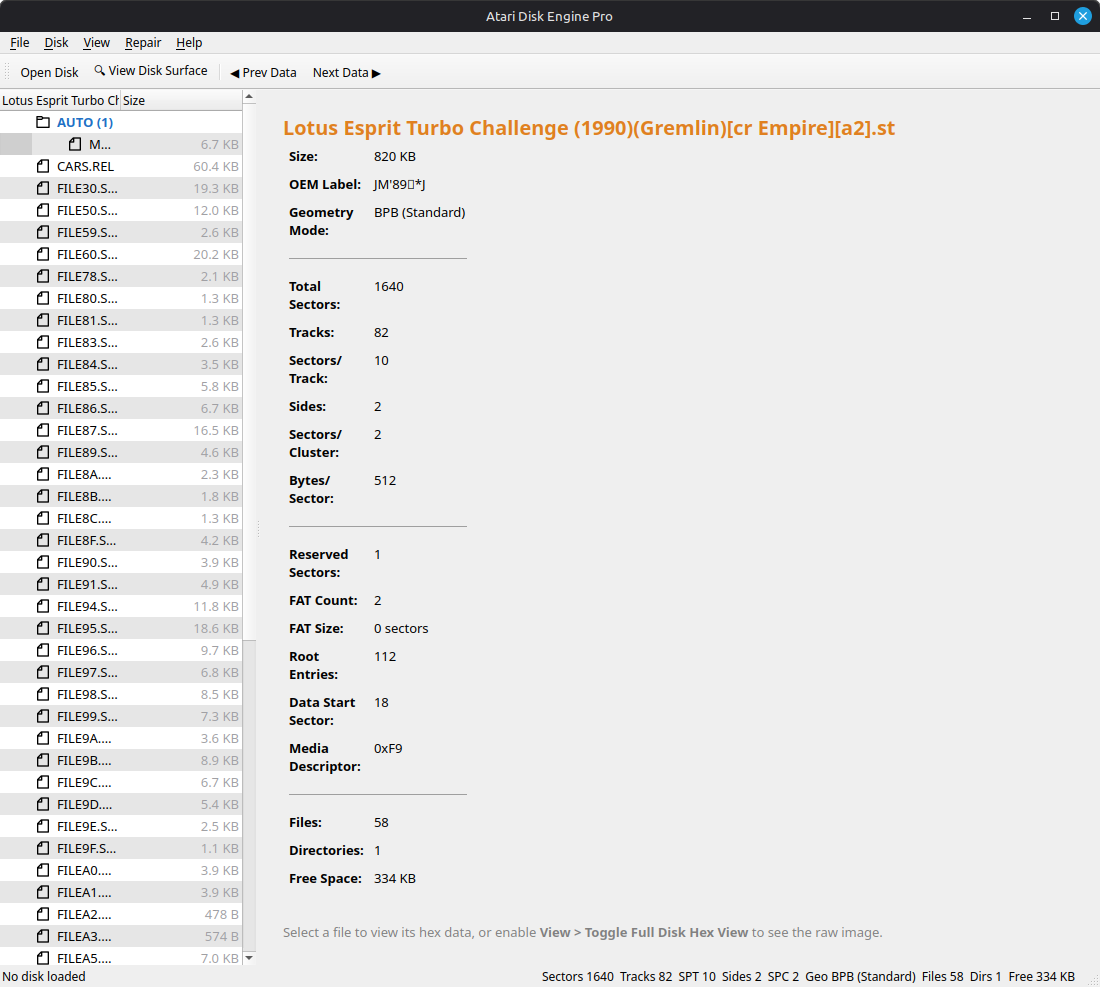
- Boot sector info panel showing disk name, OEM label, geometry, FAT layout, and file statistics
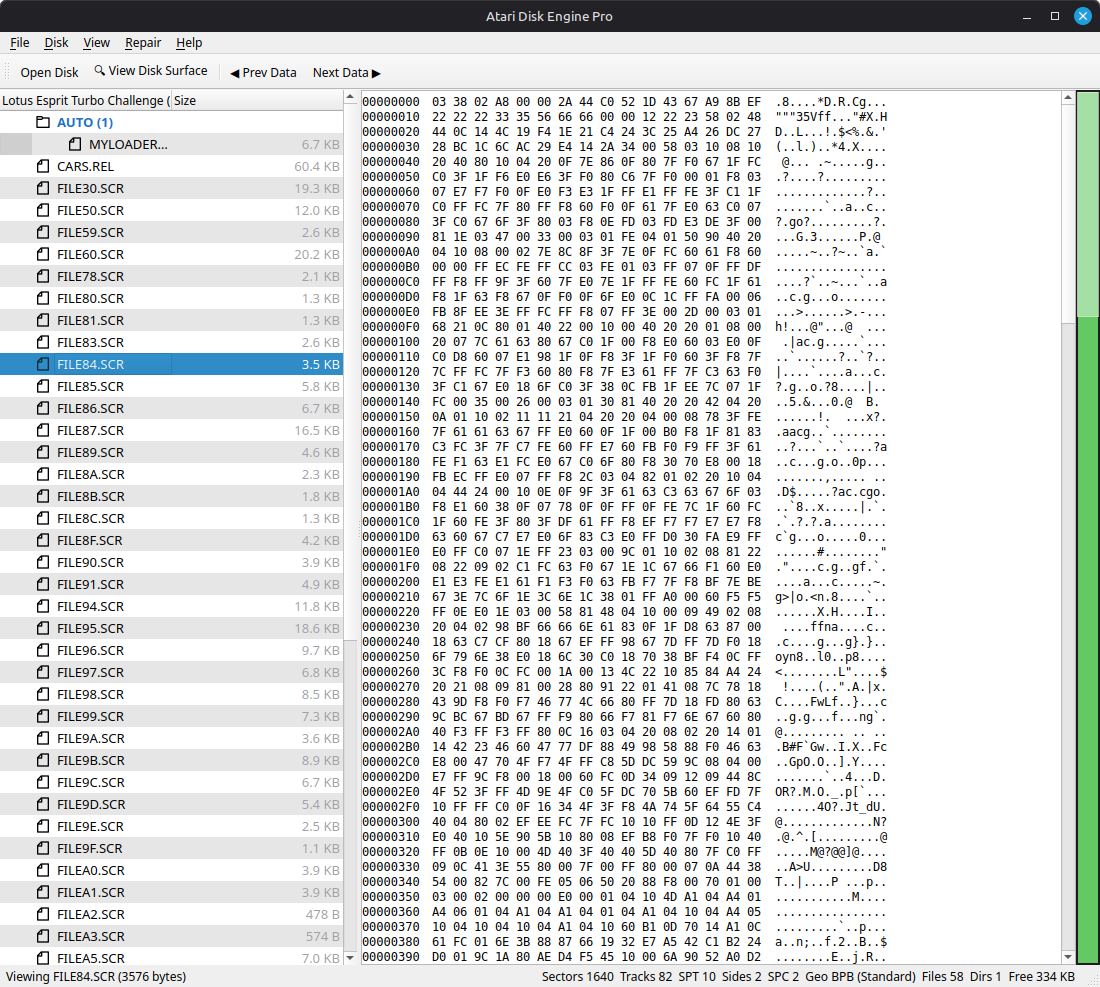
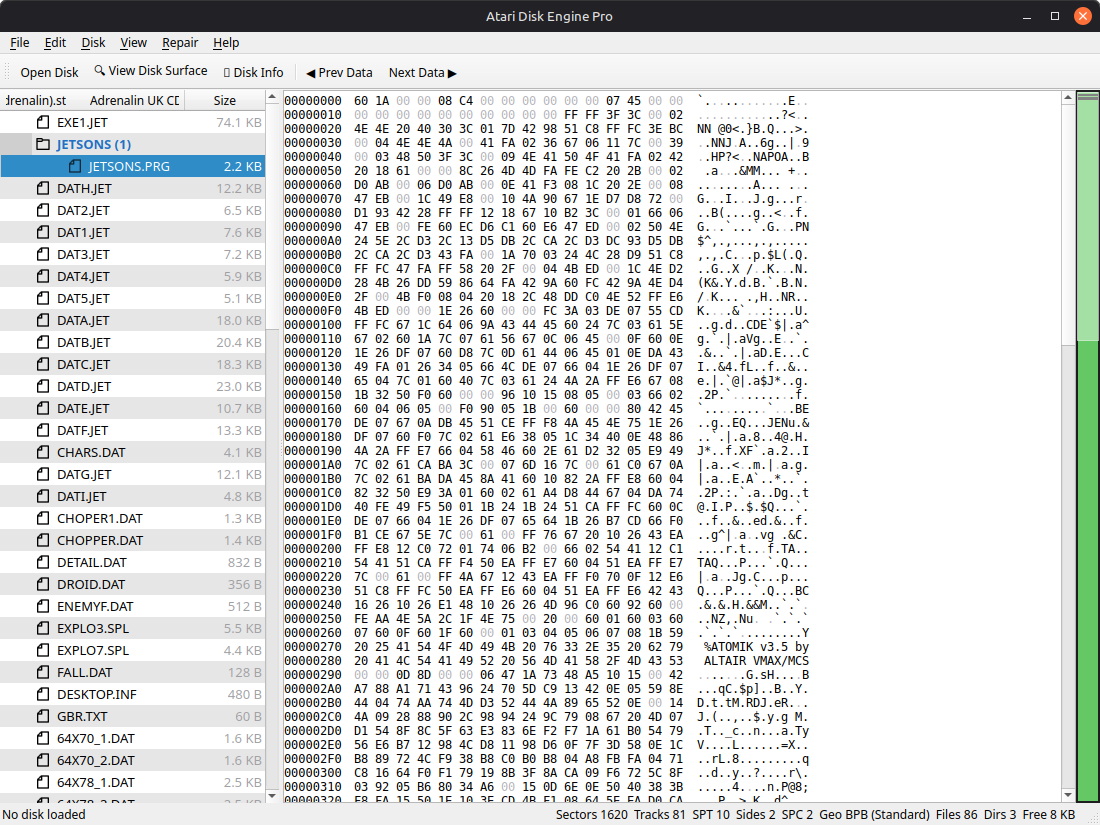
- BPB colour-coded hex view — geometry fields in gold, FAT layout in blue, directory layout in plum
- Full geometry status bar: Sectors, Tracks, SPT, Sides, SPC, Geo mode, Files, Dirs, Free space
- Light and Dark themes
- Disk Size Chart reference for all Atari ST disk geometries
Disk Editing
- Save Disk — write changes back to the original file
- Save Disk As — save as .ST (raw) or .MSA (compressed with per-track RLE encoding)
- Create New Disk — 11 preset geometries from 360 KB to 16 MB including non-standard and Gotek sizes
- Format Disk — wipe and reformat an existing image
- Inject File — add a file from your computer into the disk image
- Batch Inject — inject an entire folder of files at once
- Delete & Rename — files and directories
- Create Directories — add new folders to the disk
- Drag-and-Drop — drag files from your file manager directly onto the disk tree to inject them
- Boot Sector Editor — edit individual BPB fields (bytes/sector, SPT, sides, FAT count, etc.)
- Make Disk Bootable — fix the boot sector checksum so the disk is recognised as executable
File Extraction
- Extract Single File — save any file to your computer
- Extract Selected — Ctrl+click multiple files, then extract just those
- Extract All — batch extract every file on the disk to a folder
- Save File As — right-click context menu extraction
Forensic Analysis
- Full Disk Hex View — browse the entire raw image with colour-coded layout overlays (Boot, FAT1, FAT2, Root Directory, file data)
- Hex Minimap — vertical data density strip showing where data exists vs empty space, click to jump
- Skip to Next/Previous Data — toolbar buttons to navigate past zero-filled regions
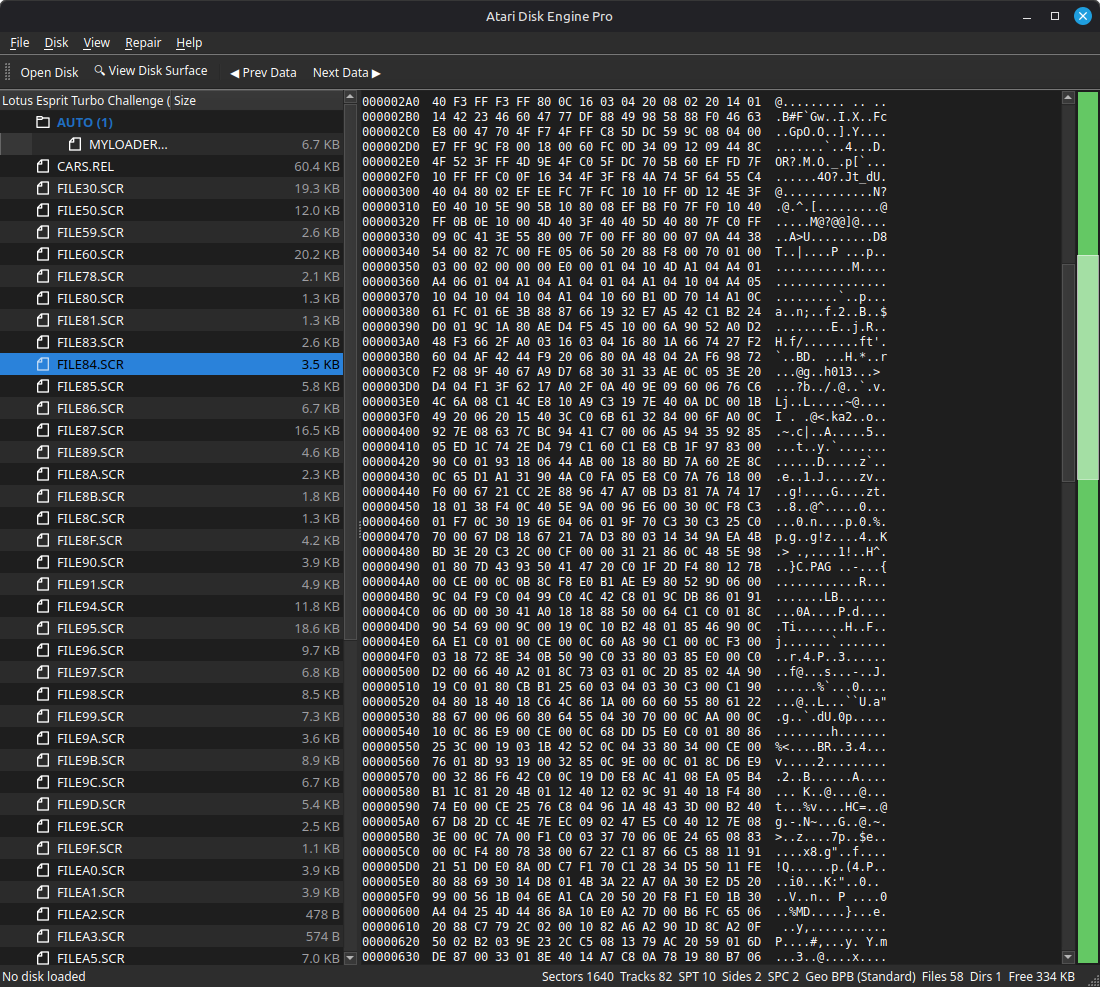
- Terminal Mode — green-on-black CRT retro hex display
- Scavenger — automatic forensic file recovery for scrambled and encrypted disks (D-Bug high-bit decoding, linear root recovery, deep sector carving)
- Disk Health Audit — full FAT analysis detecting cross-linked clusters, orphaned chains, bad sectors, and fragmentation — with automated one-click repair
- Geometry Repair — fix standard geometry, recalculate FAT size, align root directory offset
- FAT Cluster Map — visual colour-coded grid of every cluster showing Free, Used, End-of-Chain, Bad, Orphaned, and Cross-linked status
- Pattern Scanner — scan the entire disk for known Atari ST file signatures (PRG, TOS, MOD, PI1/PI2/PI3, DOC, etc.)
- Disk Search — search for text strings or hex patterns across the entire image
- Properties Dialog — detailed file metadata including cluster, offset, attributes, and timestamps
- Forensic Slack Space Wipe — zero out unused bytes after file data within allocated clusters
Disk Surface Visualiser
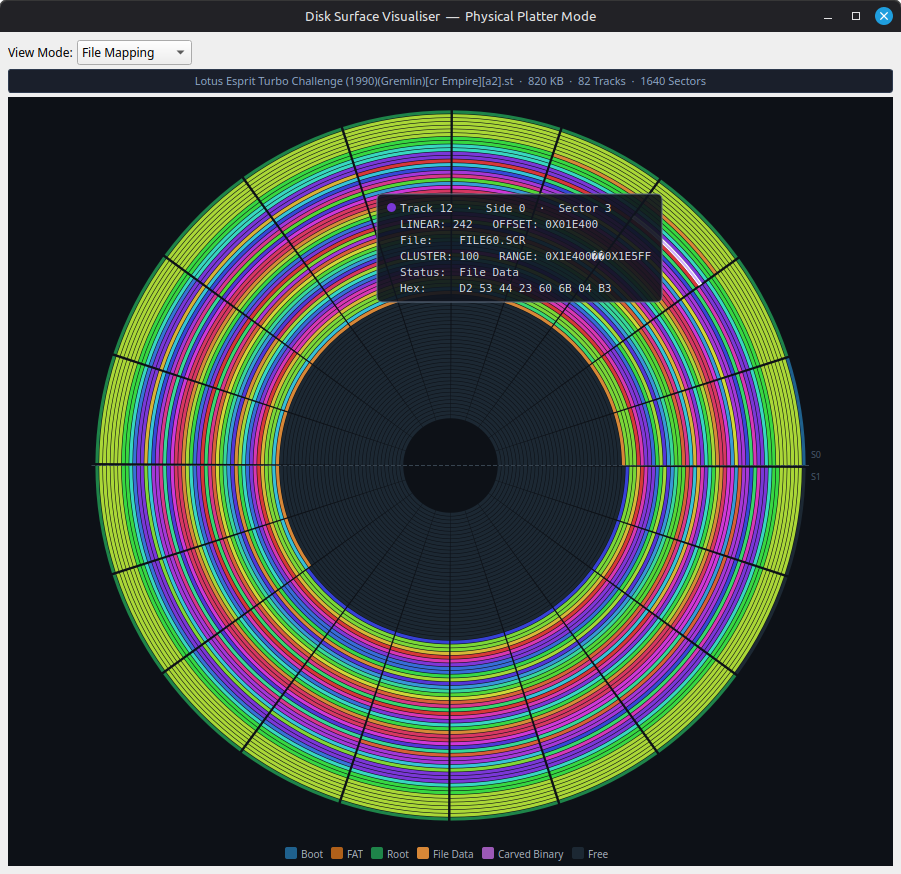
- Circular Platter View — concentric track rings with sector wedges coloured by status (Boot, FAT, Root, Data, Free, Orphaned, Bad)
- Block Map Mode — linear Manhattan-style grid for large disk images (>1.44 MB)
- Hover Tooltip — Track, Side, Sector, byte offset, file name, and hex preview
- Click to Navigate — click any sector to jump the hex view to that location
- Physical & Logical view modes
- Disk info header — name, size, tracks, sector count
Hex View Colour Legend
- Built-in reference (Help > Hex View Colour Legend) explaining every colour in every mode
Important Notice:
Always backup your disks before using Atari Disk Engine
Tested & Proven
The Atari Disk Engine has been tested on 4,000+ disk images from 10 different scene group collections with a 98.7% successful read rate
| Collection | Pass | Total | Rate |
| Automation Menu Disk | 2023 | 2029 | 99.7% |
| Vectronix Compilation | 592 | 628 | 94.3% |
| D-Bug Menu Disk | 468 | 471 | 99.4% |
| Fuzion CD | 313 | 314 | 99.7% |
| Medway Boys | 145 | 148 | 98.0% |
| Pompey Pirates | 128 | 131 | 97.7% |
| Bad Brew Crew | 75 | 75 | 100% |
| Midland Boyz | 56 | 59 | 94.9% |
| Adrenalin UK CD | 57 | 57 | 100% |
| Awesome Menu Disk | 39 | 39 | 100% |
No other static analysis tool achieves this across such a wide range of standard, non-standard, and deliberately obfuscated disk formats.
Download & Run
Linux
- Download the AppImage file
- Make it executable: <code>chmod +x AtariDiskEnginePro-x86_64.AppImage</code>
- Run it: <code>./AtariDiskEnginePro-x86_64.AppImage</code>
No installation required. Runs on any modern Linux distribution.
System Requirements
- OS: Linux (Ubuntu 20.04+, Debian 11+, or equivalent)
- Disk space: ~25 MB (AppImage)
- RAM: 64 MB minimum (scales with disk image size)
About
Atari Disk Engine is built by Darian Frey (Shane Hartley).
Email: shane.hartley06@gmail.com
Long live the ST.
⚠️ LEGAL DISCLAIMER & SAFETY WARNING
IMPORTANT: ALWAYS BACK UP YOUR DISK IMAGES BEFORE USE.
The Atari Disk Engine provides low-level, direct access to the File Allocation Table (FAT) and BIOS Parameter Block (BPB). Improper use of these tools can result in immediate and permanent data corruption of your virtual disk images.
- No Warranty: This software is provided "as is," without warranty of any kind, express or implied.
- User Responsibility: The author shall not be held accountable for any data loss, image damage, or hardware malfunctions resulting from the use of this toolkit.
- Mandatory Backup: It is the user's sole responsibility to maintain backups of all
.ST,.MSA, and.STXfiles prior to opening or manipulating them within this engine.
By using this software, you acknowledge that you use it at your own risk.
Download
Click download now to get access to the following files:
Leave a comment
Log in with itch.io to leave a comment.