Atari Disk Engine Lite
A downloadable tool for Windows and Linux
Atari Disk Engine Lite
The forensic disk toolkit the Atari ST deserved in 1989.
Atari Disk Engine is a desktop application for opening, browsing, and analyzing Atari ST disk images (.ST and .MSA). Whether you're a collector, preservationist, demo scene archivist, or just curious about what's on that old floppy image — this is the tool for the job.
What can you do with the free version?
- Open any Atari ST disk image — .ST (raw) and .MSA (compressed) formats, from 360 KB single-sided floppies to 16 MB Gotek images
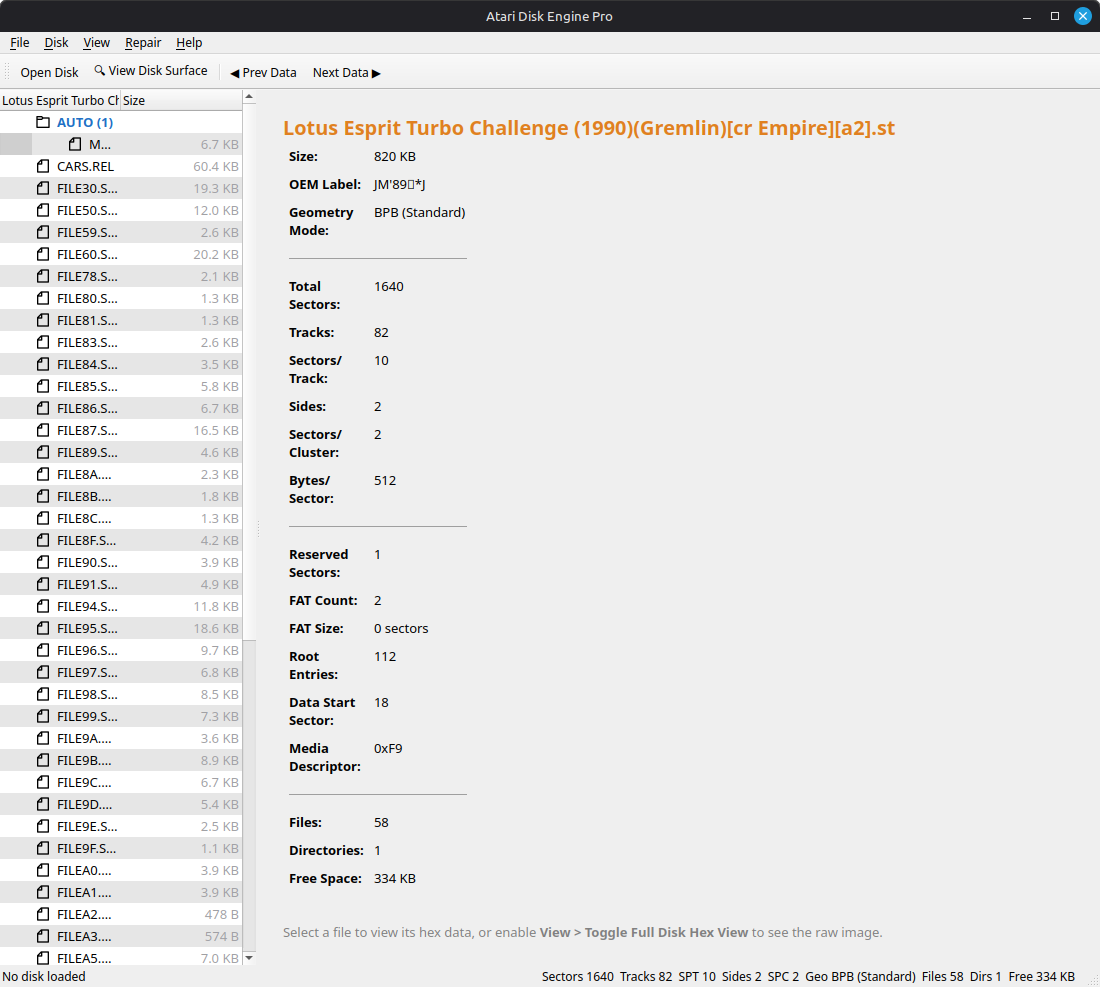
- Browse the full directory tree — files and folders displayed with sizes, file counts, and proper hierarchy
- View boot sector information — disk name, OEM label, geometry, FAT layout, and file statistics shown in a clear info panel
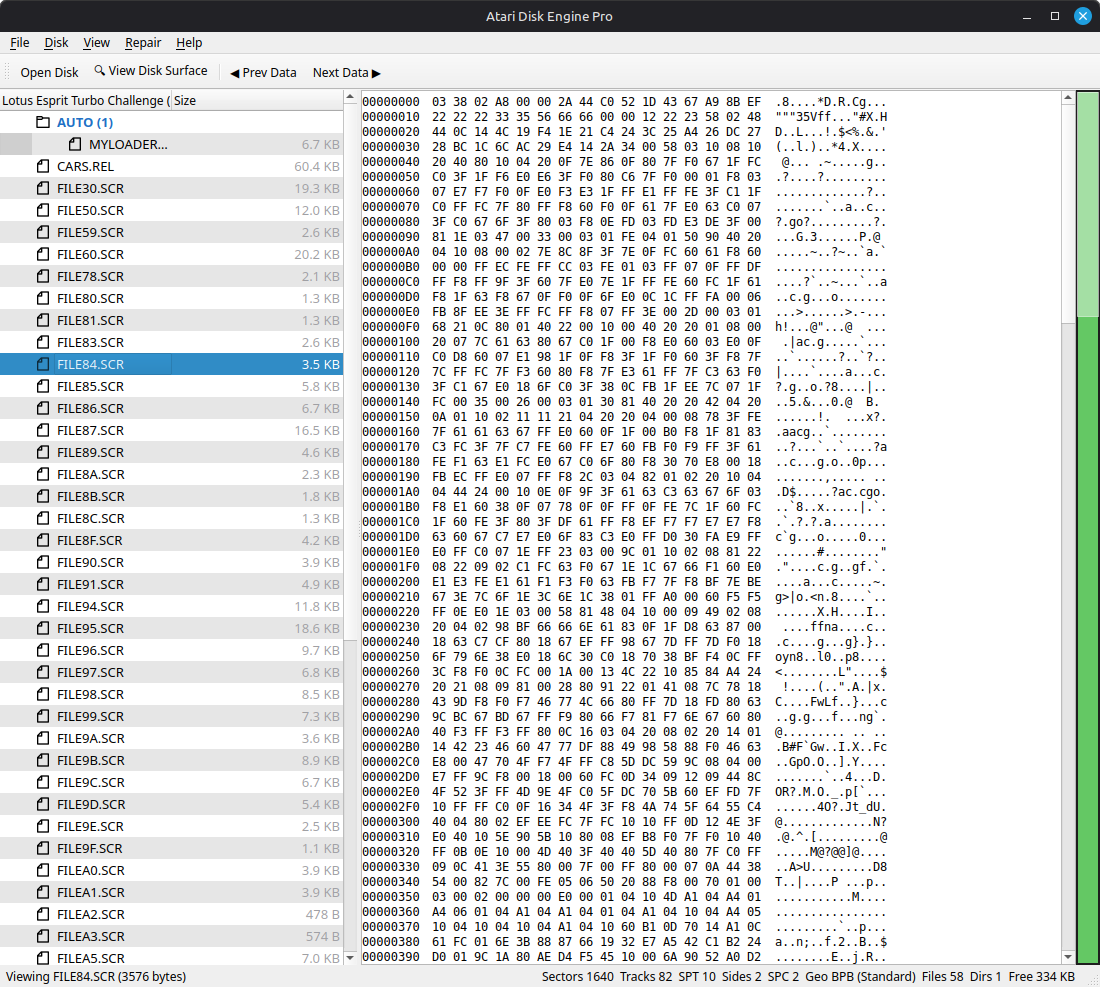
- BPB colour-coded hex view — boot sector fields are highlighted by category (geometry in gold, FAT layout in blue, directory layout in plum) so you can read the disk structure at a glance
- Extract individual files — pull any file from the disk image to your computer
- Status bar with full geometry — sectors, tracks, SPT, sides, SPC, geometry mode, file count, free space — all visible at the bottom of the window
- Light and Dark themes — switch between them in View > Theme
- Disk Size Chart — reference table for all standard and non-standard Atari ST disk geometries
Tested & Proven
The Atari Disk Engine has been tested on 4,000+ disk images from 10 different scene group collections with a 98.7% successful read rate
| Collection | Pass | Total | Rate |
| Automation Menu Disk | 2023 | 2029 | 99.7% |
| Vectronix Compilation | 592 | 628 | 94.3% |
| D-Bug Menu Disk | 468 | 471 | 99.4% |
| Fuzion CD | 313 | 314 | 99.7% |
| Medway Boys | 145 | 148 | 98.0% |
| Pompey Pirates | 128 | 131 | 97.7% |
| Bad Brew Crew | 75 | 75 | 100% |
| Midland Boyz | 56 | 59 | 94.9% |
| Adrenalin UK CD | 57 | 57 | 100% |
| Awesome Menu Disk | 39 | 39 | 100% |
What's in the Pro version?
Atari Disk Engine Pro unlocks the full forensic and editing toolkit:
Disk Editing
- Save and Save As (.ST and .MSA with compression)
- Create new blank disks (all standard and non-standard geometries)
- Format existing disks
- Inject files and folders into disk images
- Batch inject from a folder
- Delete and rename files and directories
- Create new directories
- Drag-and-drop file injection
- Boot sector editor (edit individual BPB fields)
- Make any disk bootable (checksum fix)
Forensic Analysis
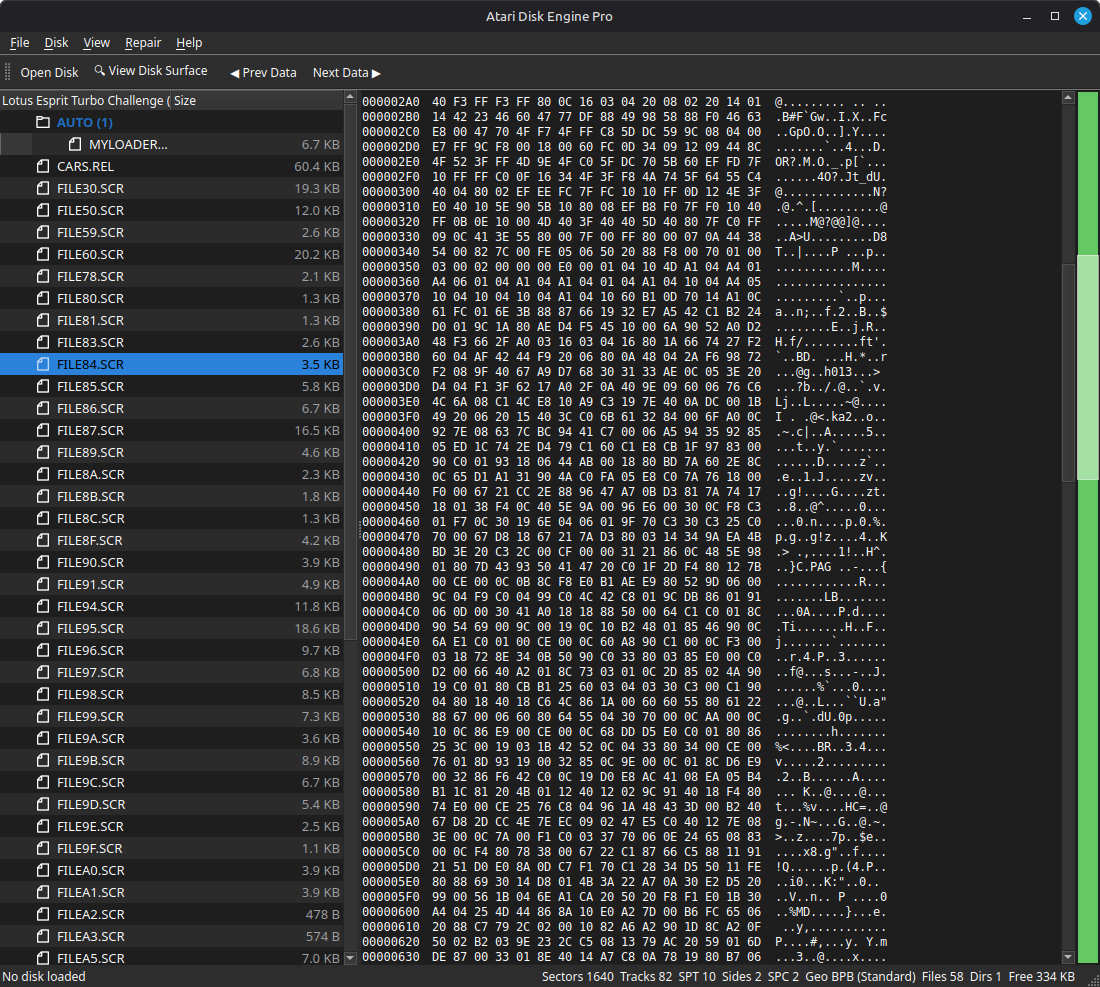
- Full disk hex view with colour-coded layout overlays
- Hex minimap showing data density across the entire image
- Skip to next/previous data navigation
- Terminal mode (green-on-black CRT effect)
- Scavenger — automatic forensic file recovery for scrambled disks
- FAT cluster map visualiser
- Disk health audit with automated repair
- Geometry repair tools
- Pattern scanner / file signature detection
- Disk surface visualiser with click-to-navigate
- Properties dialog with detailed file metadata
- Search across the entire disk image
- Forensic slack space wipe
Download & Run
Linux
- Download the AppImage file
- Make it executable: <code>chmod +x AtariDiskEnginePro-x86_64.AppImage</code>
- Run it: <code>./AtariDiskEnginePro-x86_64.AppImage</code>
No installation required. Runs on any modern Linux distribution.
Windows
- Download and extract the .zip file
- Run AtariDiskEnginePro.exe
All required DLLs are included. No installation required.
System Requirements
- OS: Linux (Ubuntu 20.04+, Debian 11+, or equivalent) / Windows 10+
- Disk space: ~25 MB (AppImage) / ~30 MB (Windows with DLLs)
- RAM: 64 MB minimum (scales with disk image size)
About
Atari Disk Engine is built by Darian Frey (Shane Hartley).
Email: shane.hartley06@gmail.com
Long live the ST.
Download
Click download now to get access to the following files:
Leave a comment
Log in with itch.io to leave a comment.